Websites · 5 min read · November 2026
Redesign or migrate: how to decide
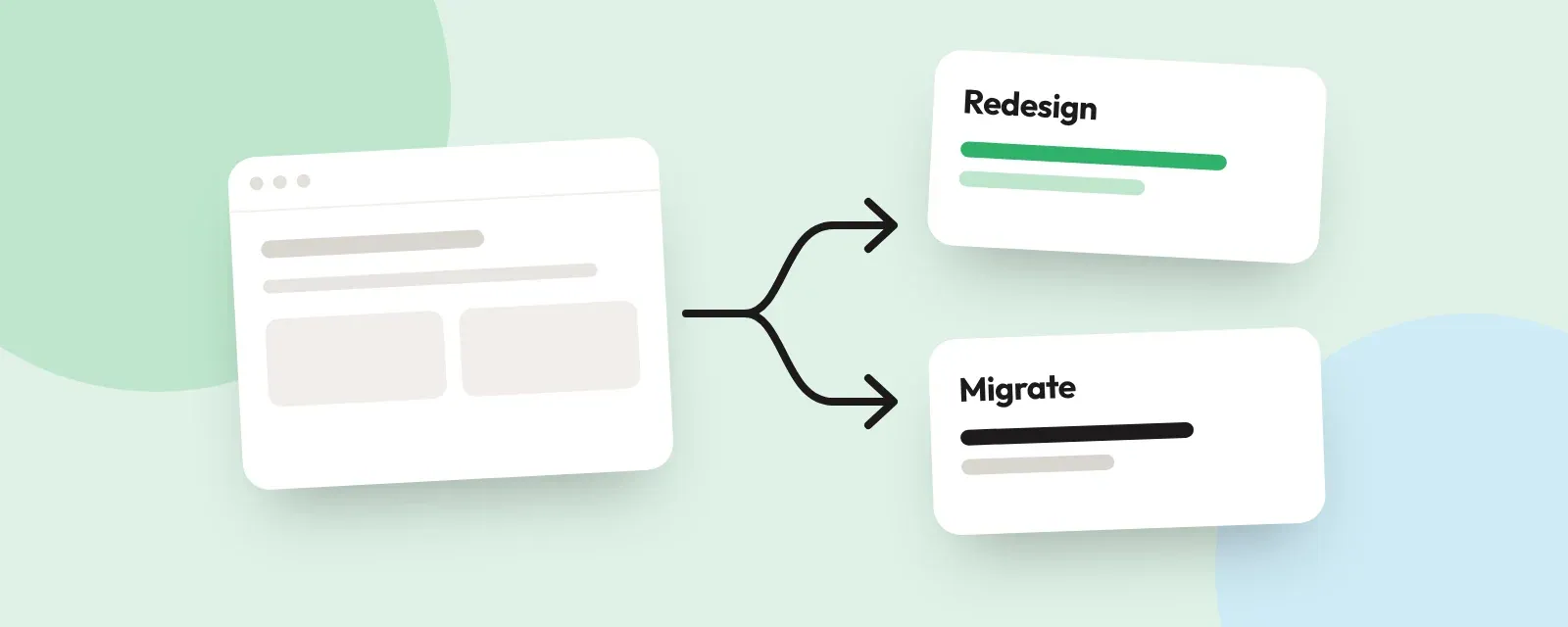
Migrate when the site works but the platform holds you back. Redesign when the platform is fine but the site no longer does its job.
 Edmond JreigeANEDA
The short answer
Migrate when the site still does its job but the platform holds you back. Redesign when the platform is fine but the site no longer brings you clients. If both are true, do both in one project, structure first, and protect your search rankings with redirects.
What is the difference?
A website has two layers:
- What visitors see: the structure, the content and the design. Changing it is a redesign.
- The system underneath: the platform, the hosting, the code. Changing it is a migration.
They are often sold together, and they do not always need to be. Knowing which problem you have saves time and budget.
When do you need a migration?
- Simple changes need a developer, or take days.
- The platform is no longer updated, or each update breaks something.
- The site is slow, and the cause is the system rather than the images.
- Licence and hosting costs keep rising for features you do not use.
- You cannot add what you need: a language, a shop, a connection to your tools.
When do you need a redesign?
- Visitors do not understand what you do within a few seconds.
- The site no longer matches your offer or your brand.
- People visit but do not contact you.
- It works badly on a phone.
- You are embarrassed to send the link to a prospect.
How do you decide quickly?
Ask two questions: does the site bring you what you expect from it, and can your team update it without help?
| Your team can update it | Your team cannot update it | |
|---|---|---|
| It brings in clients | Leave it alone, improve it step by step | Migrate |
| It does not bring in clients | Redesign | Redesign and migrate |
What if you need both?
Do both in one project, in this order:
- Structure and content. Which pages you keep, merge, rewrite or drop.
- Design. On the new structure, not the old one.
- The move. Build on the new platform, then switch.
Migrating an outdated structure to a new platform only makes the old problems load faster. Redesigning on a platform you are about to leave is work done twice.
What must survive the switch?
Your search rankings
Every old address must redirect to its new one, with a permanent (301) redirect. Before the switch, list every URL of the old site, including those that only appear in search results and in links from other sites. Most traffic losses after a relaunch come from skipping this step.
Your content
Check page by page that nothing important was lost: texts, images, downloads, legal pages. Keep the titles and descriptions of the pages that rank well, unless you have a reason to change them.
Your languages
On a multilingual site, each language needs its own addresses and the tags that tell search engines which version is which. These are often forgotten in a migration, and the wrong language starts to appear in results.
Your forms and tracking
Test every form, every confirmation email and every tracking event before launch. A form that silently stops sending is the most expensive bug a site can have.
Which platform should you move to?
It depends on who updates the site and what it must do:
- Webflow for marketing sites your team edits visually.
- WordPress for content-rich sites with many editors and plugins.
- Shopify for online shops.
- Astro for very fast sites built in code.
Choose the platform for the team that will live with it, not for the agency that builds it.
What happens after launch?
- Watch Search Console daily for the first weeks: errors and missing pages show up there first.
- Fix any address that still returns an error.
- Compare traffic and enquiries with the same period before the switch.
- Keep the old site’s export until you are sure nothing is missing.
What slows a migration down?
- Content nobody owns. Pages without an owner wait for decisions: keep, merge or drop.
- Hidden features. A form, a calculator or an integration that someone added years ago and nobody listed.
- Late translations. On a multilingual site, the last language is often the one that holds up the launch.
- Approvals. Agree early who decides, and how fast.
An inventory at the start removes most of these surprises. List every page, every form, every integration and every language before anyone builds anything.
A checklist before the switch
- Every old address has a redirect, and the redirects are tested.
- Titles and descriptions are in place on every page.
- Every form sends, and the right person receives it.
- Tracking and consent work on the new site.
- The sitemap is submitted in Search Console and Bing Webmaster Tools.
- Someone is available to fix problems in the days after launch.
Which mistakes should you avoid?
- Launching on a Friday, with nobody watching on Monday.
- Changing every address "to make them cleaner" without a reason.
- Forgetting the pages that only exist in search results.
- Switching off the old site before the new one is checked.
Should you change the addresses of your pages?
Only if you have a good reason: a confusing structure, a typo, a language that was missing. Every changed address needs a redirect, and search engines need time to follow it. When the old addresses are clear, keep them. It is the safest migration there is.
We do both: see website migration and website design.